
Last year's model vs the new model: which to buy
Last year's model vs the new model: when the older one is the better deal, and the few cases where the new one is worth the extra money.
Rania Khelifi4 min read
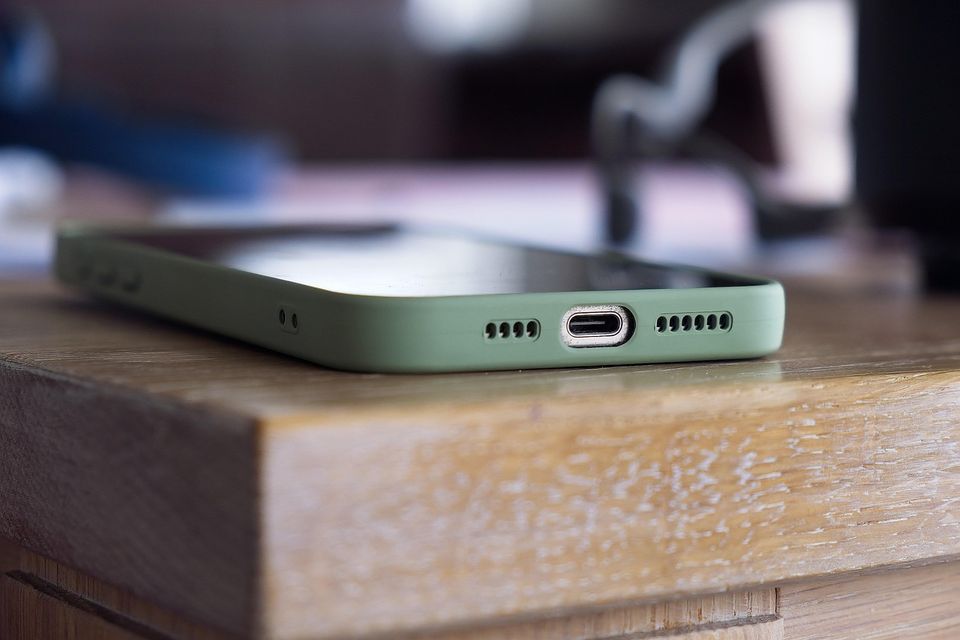
Verdict: Last year's model usually wins. The exception is a feature you will actually use, or a model that is no longer supported.
In the last year's model vs new model question, price is the first reason to go old. Makers change many products each year, but the day-to-day difference is often small. When the new one arrives, stores clear the old one, and that is when it tends to drop in price. Timing varies by product, so check the retailer.
Which wins on
| Factor | Last year's model | New model |
|---|---|---|
| Price | Usually lower, often much lower | Full price for the first months |
| Features | Fewer, but often the ones you need | Newest, though many are small changes |
| Reviews | More reviews and known issues | Few reviews at launch |
| Stock | Can run out or be hard to find | Easy to find |
| Support and updates | Typically fine for years, but check | Longest support window |
| Returns | Same policy as any other item | Same, but check for open-box rules |
Pick last year's model if
- The listed differences are small, such as a new color or a slightly better screen.
- The price gap is large enough to buy a useful add-on, such as a case or a mount.
- You are buying a TV, laptop, vacuum, phone or small appliance, where model-year changes are often modest.
- You can find clear reviews that match the exact model number.
Pick the new model if
- It adds something you will use daily, such as a port, a battery gain or a safety feature.
- The old model is no longer getting updates or repairs.
- The price gap is small. If the difference is a few dollars, take the newer one.
- It is a gift and you want the recipient to have the current version.
What matters most
Compare the exact model numbers, then the price gap. If the gap is not meaningful, take the new one. If it is, spend the difference on something else you need.
A short caution
Some "last year" items are made for sales events and are not the same product. Check the model number against the maker's page. Also check that the warranty starts from the day you buy, not from the model's release date. For how to check prices over time, see how to check price history before you buy. Dates and stock change each year.
How do you compare the two in five minutes?
- Find both model numbers.
- Open the maker's page for each and read the list of changes.
- Mark the changes you would notice in a normal week.
- Check the price gap and the return window.
- Decide. If you marked nothing, buy the cheaper one.
A worked example
These numbers are round and made up. A new model costs $600 and last year's costs $450. The new one adds a slightly faster chip and a nicer color. You browse, stream and write emails. The $150 gap is worth more to you than the chip. Your ruling: last year's model. Now say the new model adds a port your monitor needs. The gap is worth paying, and the old one would cost you an adapter and a hassle.
Quick questions
Is last year's model really the same?
Often close, never identical. Read the maker's list of changes and compare by model number.
When do old models go on sale?
Usually after the new one arrives. For TVs that is often spring. See the best time to buy a TV.
Is older stock safe to buy?
Usually, if it is sold new and sealed by a known seller. Check the return policy and the warranty start date.
Should I buy refurbished instead?
It can be a good middle path. Check who refurbished it, what the warranty is and the return window.
More to read
Keep reading
Buy now, wait or skip: November and December verdicts
A one-table list of common purchases with a buy now, wait or skip the sale verdict for the November and December shopping window, with exceptions.
Rania Khelifi3 min read
Best time to buy a vacuum cleaner, and when to skip
The best time to buy a vacuum cleaner is often spring or November, but a flat price all year means you should buy when you need it. Here is how to tell.
Rania Khelifi2 min read

Best time to buy a mattress without overpaying
The best time to buy a mattress is usually a long holiday weekend, but the trial period matters more than the discount. Here is the rule.
Rania Khelifi2 min read
Best time to buy a TV, and when to wait
The best time to buy a TV is usually around the fall sale season, but last year's model and your target price matter more. Here is the rule.
Rania Khelifi5 min read

How to check price history before you buy
How to check price history in two minutes, read a price chart, and tell a real low from a normal price that just has a sale banner on it.
Rania Khelifi6 min read

The best time to buy 10 common things
The best time to buy common things, from TVs to patio furniture: when each usually goes on sale, why, and how to use the pattern with a target price.
Rania Khelifi2 min read