
Chromebook vs laptop for school: which one to buy
A Chromebook vs laptop for school comes down to what the student runs. Here is a simple rule, a table and when the cheaper one is the better pick.
Mathieu Roux4 min read

Verdict: Chromebook if the school works in a browser, laptop if it needs programs. Ask the school before you buy either.
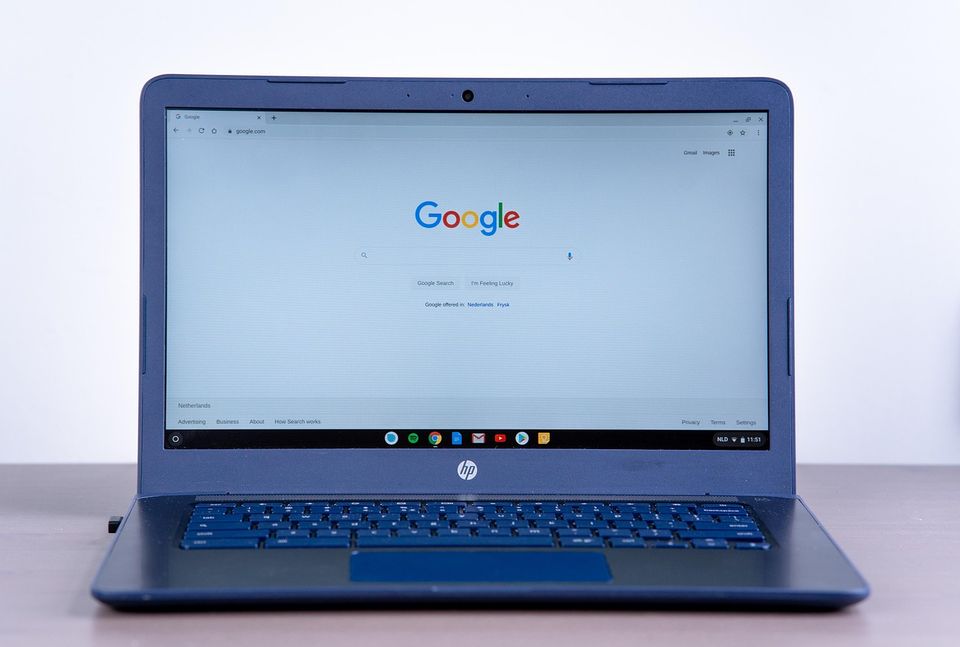
A Chromebook runs mostly in a web browser and costs less. A regular laptop runs desktop programs and costs more. For most school years, the choice depends on one question: does the school ask for software that only works on a regular computer?
Which wins on what?
| Question | Chromebook | Regular laptop |
|---|---|---|
| Web, email, documents | Strong | Strong |
| Desktop programs (design, coding tools, some math software) | Limited | Strong |
| Price | Lower | Higher |
| Setup and upkeep | Simple | More steps |
| Battery life | Often long | Varies |
| Years of use | Fine for school years | Better for college and work |
| Offline work | Possible with setup | Easy |
Pick a Chromebook if
- The school uses web tools for everything.
- The student mostly writes, researches and watches videos.
- You want a low price and simple setup.
- A second device is already at home.
Pick a regular laptop if
- The course needs desktop software. Ask the teacher or read the course page.
- The student will use it through college.
- It must work well offline.
- The student wants to learn video, music or design.
Rule: Ask what the school requires, then buy the cheapest device that meets it.
What should you watch for?
A very cheap laptop can be worse than a Chromebook. Slow storage and little memory make schoolwork feel stuck. Do not pick by the lowest price on the shelf. Pick by what you need to run.
Also check the return window. Test the device in the first week with a real school task: write, share, and join a video call. If it struggles, return it.
For timing, see back to school laptop deals: when to buy one and should I wait for Black Friday to buy a laptop.
What does the school day look like?
Think of one real day. The student writes a paper, joins a video call, watches a short video, opens a spreadsheet and submits work online. A Chromebook handles all of that. Now add a coding class that needs a program installed, or a design class with large files. A regular laptop is the safer choice.
If the student is in elementary or middle school, a Chromebook is often all that is needed. For high school, ask about the courses. For college, check the department page, since some majors list required software.
What about the price gap?
The gap is often large. These numbers are round and made up. A Chromebook is $300, and a laptop that does the same job is $600. The $300 gap pays for a case, a mouse, a printer and a spare charger. If the student needs the laptop, the gap is worth it. If not, it is wasted.
Rule of thumb: Spend the gap only on a need you can name.
What accessories matter?
A sleeve or case protects either device in a backpack. A mouse is easier than a trackpad for long work. A spare charger for the school bag saves a lot of stress. These cost little compared with the device, but they add up, so count them in your cap.
Also check the warranty. Many makers cover defects for a year, and some sell extended plans. Read what is covered, since drops and spills are often not included.

Quick questions
Is a Chromebook good enough for school?
Yes for most web-based work. Check the school's list before you buy.
Can a Chromebook run Word or Excel?
Usually through web versions or compatible apps. Offline use takes setup.
When is the best time to buy either?
Late summer sales and the fall sale season are common windows. Dates change each year.
Should I buy a used laptop instead?
It can save money if the seller offers a return window and the battery is in good shape.
More to read
Keep reading

Student discount vs sale price: which saves more
Student discount vs sale price: how to compare the two, when a student offer beats a sale, and when a sale is the cheaper way to buy.
Mathieu Roux3 min read
When to buy school supplies to pay less
When to buy school supplies: late July through August is the usual window, but the first week is the time to skip. Here is the simple plan.
Mathieu Roux2 min read

Back to school laptop deals: when to buy one
Back to school laptop deals usually start in July and run through August, but the best price can come in November. Here is how to time it.
Mathieu Roux4 min read
Should you buy school clothes early or wait for sales
Should you buy school clothes early or wait for sales? A simple rule for kids who grow fast, plus what to buy now and what to leave for fall clearance.
Mathieu Roux2 min read

Rent, buy or used textbooks: which saves the most
Should you rent, buy or get used textbooks? A simple rule by class type, plus when digital copies win and when buying new is the only real option.
Mathieu Roux4 min read

Dorm room essentials: when to buy and what to wait on
Buying dorm room essentials is easier when you know what to buy early, what to wait on, and what to skip. A simple timing plan for move-in day.
Mathieu Roux5 min read